


Upgrade your tech game with our 10% OFF from SRP on select participating models! Hurry to visit any PC Express branches now!
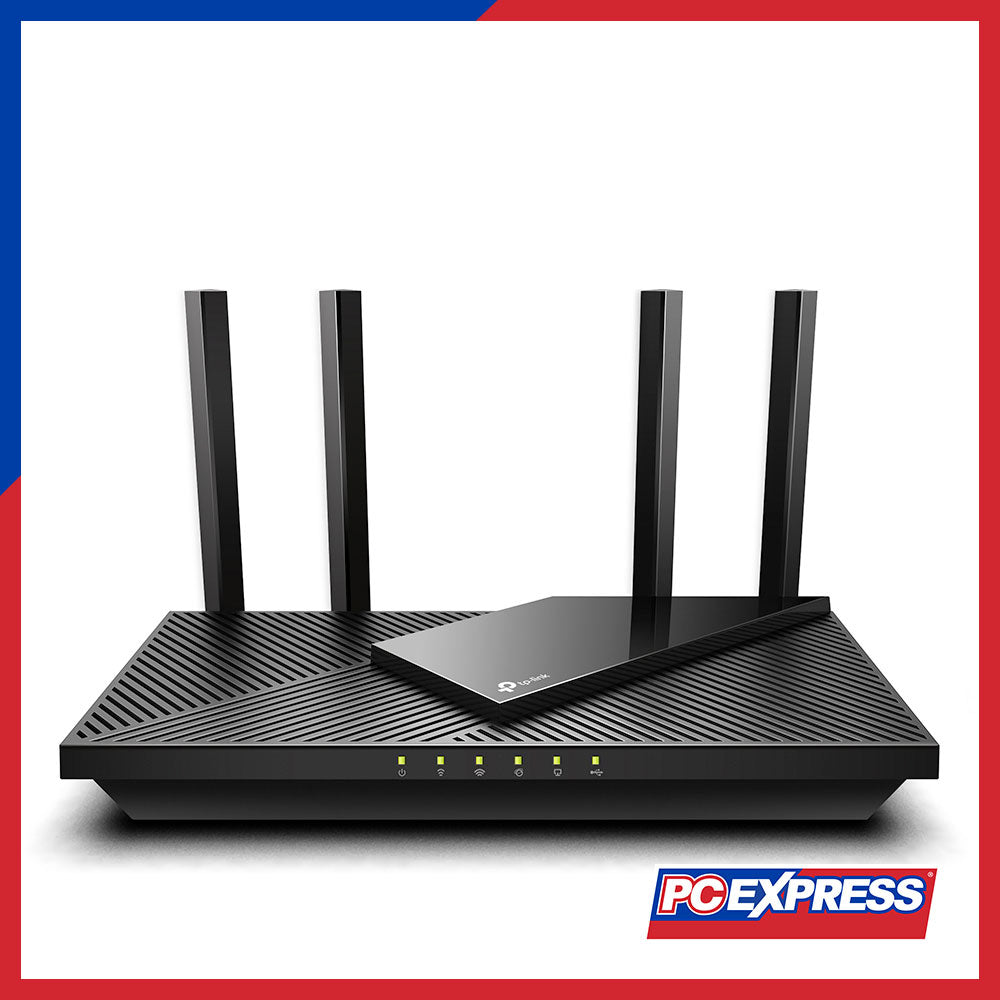

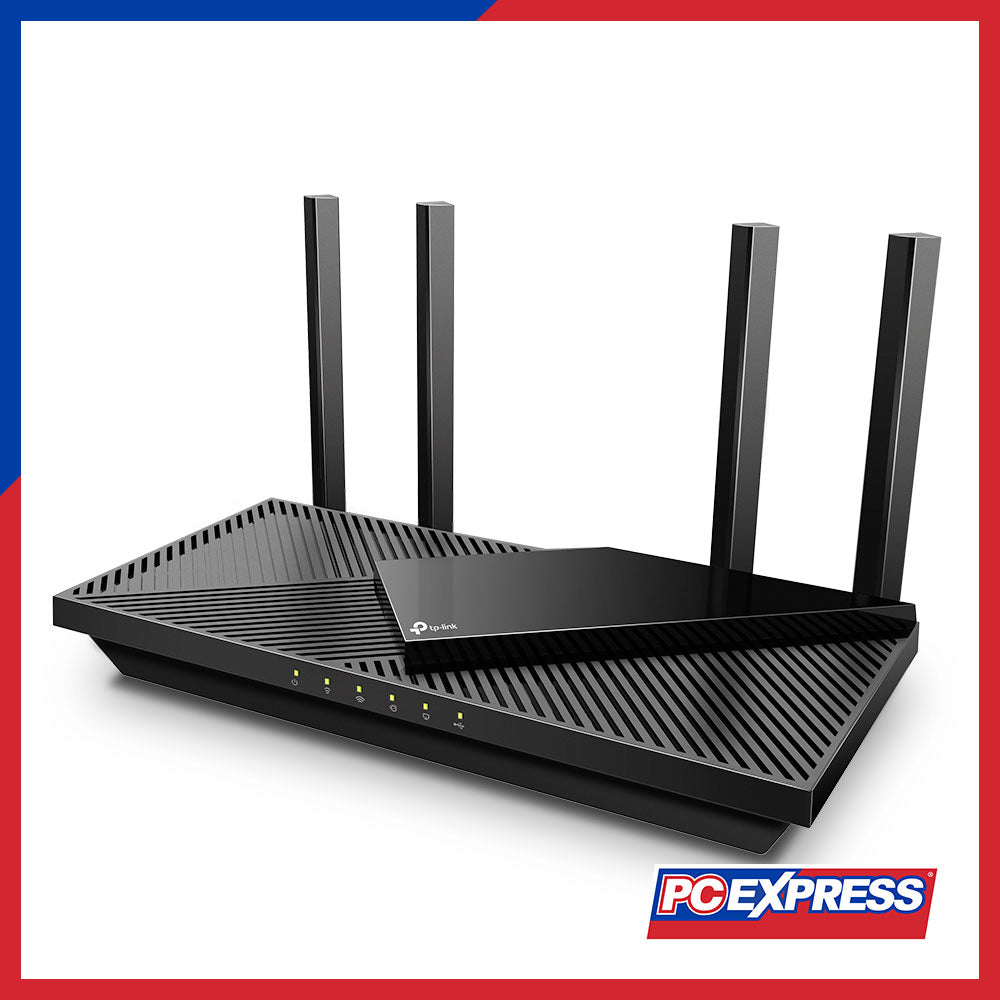




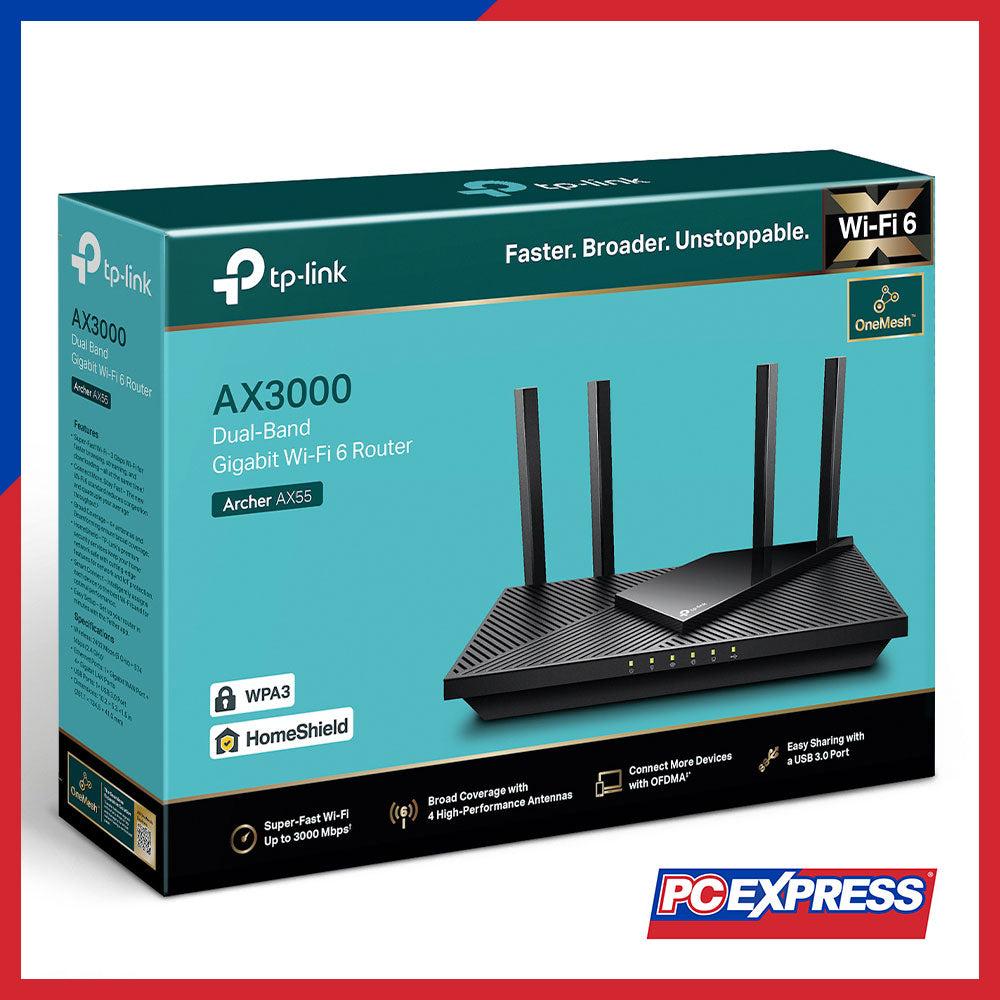

TP-LINK Archer AX55 AX3000 Dual Band Gigabit Wi-Fi 6 Router
Shipping calculated at checkout.
Read our FAQs before ordering
Out of Stock? Contact us.
*Prices are subject to change without prior notice.
*Product images are for illustration purposes only. Actual product, specifications, features, and packaging may vary and are subject to change without prior notice.
Product ID: 8223266439466
Description


SPECIFICATION
|
Wireless |
|
|
Standards |
- Wi-Fi 6 |
|
- IEEE 802.11ax/ac/n/a 5 GHz |
|
|
- IEEE 802.11ax/n/b/g 2.4 GHz |
|
|
WiFi Speeds |
- AX3000 |
|
- 5 GHz: 2402 Mbps (802.11ax, HE160) |
|
|
- 2.4 GHz: 574 Mbps (802.11ax) |
|
|
WiFi Range |
- 3 Bedroom Houses |
|
- 4× Fixed High-Performance Antennas |
|
|
- Multiple antennas form a signal-boosting array to cover more directions and large areas |
|
|
Beamforming |
- Concentrates wireless signal strength towards clients to expand WiFi range |
|
High-Power FEM |
- Improves transmission power to strengthen signal coverage |
|
WiFi Capacity |
- High |
|
- Dual-Band |
|
|
- Allocate devices to different bands for optimal performance |
|
|
- OFDMA |
|
|
- Simultaneously communicates with multiple Wi-Fi 6 clients |
|
|
- Airtime Fairness |
|
|
- Improves network efficiency by limiting excessive occupation |
|
|
- DFS |
|
|
- Access an extra band to reduce congestion |
|
|
- 4 Streams |
|
|
- Connect your devices to more bandwidth |
|
|
Working Modes |
- Router Mode |
|
- Access Point Mode |
|
|
HARDWARE |
Specification |
|
Processor |
- Dual-Core CPU |
|
Ethernet Ports |
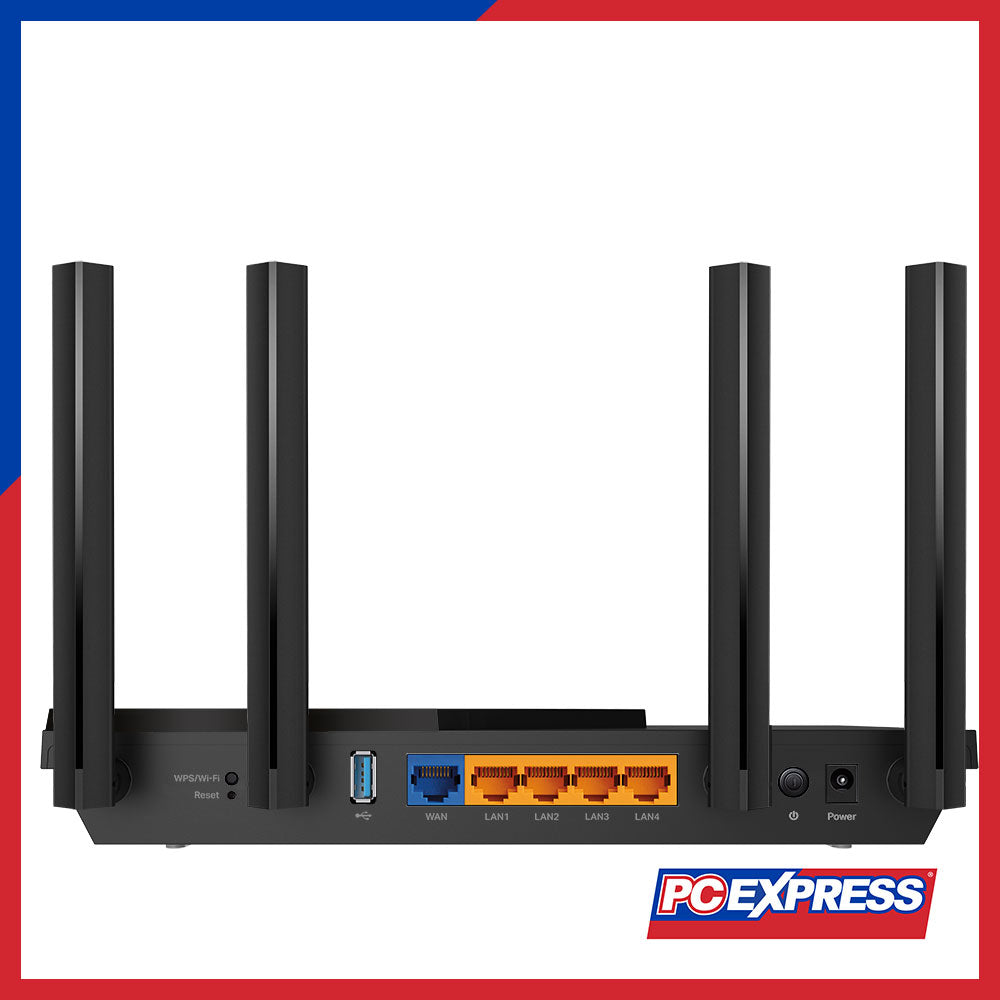
- 1× Gigabit WAN Port |
|
- 4× Gigabit LAN Ports |
|
|
USB Support |
- 1× USB 3.0 Port |
|
- Supported Partition Formats: NTFS, exFAT, HFS+, FAT32 |
|
|
- Supported Functions: Apple Time Machine, FTP Server, Media Server, Samba Server |
|
|
Buttons |
- Wi-Fi/WPS Button |
|
- Power On/Off Button |
|
|
- Reset Button |
|
|
Power |
- 12 V ⎓ 2 A |
|
SECURITY |
Specification |
|
WiFi Encryption |
- WPA |
|
- WPA2 |
|
|
- WPA3 |
|
|
- WPA/WPA2-Enterprise (802.1x) |
|
|
Network Security |
- SPI Firewall |
|
- Access Control |
|
|
- IP & MAC Binding |
|
|
- Application Layer Gateway |
|
|
- HomeShield Security |
|
|
- Real-Time IoT Protection |
|
|
- Malicious Site Blocker |
|
|
- Intrusion Prevention System |
|
|
- DDoS Attack Prevention |
|
|
- Home Network Scanner |
|
|
Guest Network |
- 1× 5 GHz Guest Network |
|
- 1× 2.4 GHz Guest Network |
|
|
VPN Server |
- OpenVPN |
|
- PPTP |
|
|
VPN Client |
- Open VPN Client |
|
- PPTP VPN Client |
|
|
- L2TP VPN Client |
|
|
SOFTWARE |
Specification |
|
Protocols |
- IPv4 |
|
- IPv6 |
|
|
Service Kits |
- HomeShield |
|
- OneMesh™ Supported |
|
|
- EasyMesh |
|
|
Parental Controls |
- HomeShield Parental Controls |
|
- Custom Profiles |
|
|
- Professional Content Filter Library |
|
|
- Family Time |
|
|
- Bedtime |
|
|
- Off Time |
|
|
- Time Rewards |
|
|
- Family Online Time Ranking |
|
|
- Pause the Internet |
|
|
- Weekly and Monthly Reports |
|
|
WAN Types |
- Dynamic IP |
|
- Static IP |
|
|
- PPPoE |
|
|
- PPTP |
|
|
- L2TP |
|
|
Quality of Service |
- QoS by Device |
|
Cloud Service |
- Auto Firmware Upgrade |
|
- OTA Firmware Upgrade |
|
|
- TP-Link ID |
|
|
DDNS |
- Virtual Servers |
|
- Port Forwarding |
|
|
- Port Triggering |
|
|
- DMZ |
|
|
- UPnP |
|
|
IPTV |
- IGMP Proxy |
|
- IGMP Snooping |
|
|
- Bridge |
|
|
- Tag VLAN |
|
|
DHCP |
- Address Reservation |
|
- DHCP Client List |
|
|
- Server |
|
|
DDNS |
- TP-Link |
|
- NO-IP |
|
|
- DynDNS |
|
|
Management |
- Tether App |
|
- Webpage |
|
|
Others |
|
|
System Requirements |
- Internet Explorer 11+, Firefox 12.0+, Chrome 20.0+, Safari 4.0+, or other JavaScript-enabled browser |
|
- Cable or DSL Modem (if needed) |
|
|
- Subscription with an internet service provider (for internet access) |
|
|
Certifications |
- FCC, CE, RoHS |
|
Environment |
- Operating Temperature: 0℃~40℃ (32℉ ~104℉) |
|
- Operating Humidity: 10%~90% non-condensing |
|
|
TEST DATA |
Specification |
|
WiFi Transmission Power |
- CE: |
|
- <20dBm(2.4GHz) |
|
|
- <23dBm(5.15GHz~5.35GHz) |
|
|
- <30dBm(5.47GHz~5.725GHz) |
|
|
- FCC: |
|
|
- <30dBm(2.4GHz & 5.15GHz~5.825GHz) |
|
|
WiFi Reception Sensitivity |
- 5GHz: |
|
- 11ac VHT20_MCS0:-96dBm, 11ac VHT20_MCS8:-75dBm |
|
|
- 11ac VHT40_MCS0:-94dBm, 11ac VHT40_MCS9:-70dBm |
|
|
- 11ac VHT80_MCS0:-91dBm, 11ac VHT80_MCS9:-67dBm |
|
|
- 11ac VHT160_MCS0:-88dBm, 11ac VHT160_MCS9:-63dBm |
|
|
- 11ax HE20_MCS0:-96dBm, 11ax HE20_MCS11:-66dBm |
|
|
- 11ax HE40_MCS0:-93dBm, 11ax HE40_MCS11:-63dBm |
|
|
- 11ax HE80_MCS0:-91dBm, 11ax HE80_MCS11:-61dBm |
|
|
- 11ax HE160_MCS0:-87dBm, 11ax HE160_MCS11:-58dBm |
|
|
- 2.4GHz: |
|
|
- 11ac VHT20_MCS0:-96dBm, 11ac VHT20_MCS8:-74dBm |
|
|
- 11ac VHT40_MCS0:-94dBm, 11ac VHT40_MCS9:-70dBm |
|
|
- 11ax HE20_MCS0:-96dBm, 11ax HE20_MCS11:-66dBm |
|
|
- 11ax HE40_MCS0:-93dBm, 11ax HE40_MCS11:-63dBm |
|
|
PHYSICAL |
Specification |
|
Dimensions (W×D×H) |
- 10.2 × 5.3 × 1.5 in (261.1 × 134.5 × 41.0 mm) |
|
Package Contents |
- Wi-Fi Router Archer AX55 |
|
- Power Adapter |
|
|
- RJ45 Ethernet Cable |
|
|
- Quick Installation Guide |
Featured Products
Recently Added
Latest Promos

The Next Generation of Wireless
All Set for WiFi 7
Experience faster connections, lower latency and next-ge...

Score up to ₱750 OFF on your favorite Taiwan Excellence tech brands at PC Express. From powerful laptops and PC components to gaming peripherals and networking gear.

It’s time to start The Hunt for Power. Score discounts plus get up to ₱5,000 SM e-vouchers of your choice, and exclusive bundles with MSI. Upgrade now and take control of your performance.

Unlock offers with purchase of qualifying Intel® products.STAR WARS: Galactic Racer™ releases on October 6, 2026 an...

Elevate Every Connection with Mercusys.
Experience reliable, high-performance networking at exceptional value. Enjoy up to 44% OFF on selected Mercusys networking solutions.

Back to School just got better! Upgrade to a Lenovo device and get up to Php5,000 in Grab vouchers—perfect for school runs, study breaks, and daily essentials. Smart choice for students and parents!

PAANO SUMALI:
1.Gumawa ng 15-60 second video na sumasagot sa tanong sa itaas.
2. Ang iyong video dapat ay ma...
Latest Tech News

"Career awareness workshop for Esports and Game Development."
in partnership with DOST Quezon City and Quezon City LGU.

HP previewed its latest OmniBook lineup on September 23, giving attendees a closer look at a new range of productivity laptops designed to meet different user needs.

PC Express was proud to be part of the DLSU Frosh Help Desk 2026 from September 14–18, welcoming the newest Lasallians with exciting tech experiences and innovations.
Together with AMD, Lexar, Rapoo & ASUS, we brought the latest technology closer to students and the DLSU community, from acads and productivity to content creation, gaming, and beyond.

Discover exclusive deals, special promos, and hands-on tech you can actually try! Get up close with the Hydra RTX 5060 and Maven AI Desktop, explore laptop deals, and enjoy our Pick-a-Prize activity!

How PC Express and NVIDIA filled the SM Makati Cyberzone event area for one afternoon of real AI, real hardware, and real presence.

D-Link has achieved a major milestone by joining SpaceX's supply chain, securing an order to supply 20,000 network switches for the Starlink low-Earth orbit satellite network. Scheduled for shipment starting in September 2026, the partnership underscores D-Link's growing reputation for delivering secure, high-performance networking solutions for mission-critical global infrastructure.

Atin ’To! – Ang PC Para sa Makabagong Pilipino: The New PCX Desktop Campaign
Technology plays a bigger role in Fili...

Relive the excitement of PC Express Battle Arena LIVE: HyperX League – Araneta held at SM Araneta City from June 5–7, 2026. Featuring Tekken 8 tournaments, NBA 2K26 challenges, Forza Horizon leaderboards, HyperX Aim Lab competitions, Just Dance Philippines, AMD-powered PCX Desktop systems, raffle prizes, and Piso Auctions.